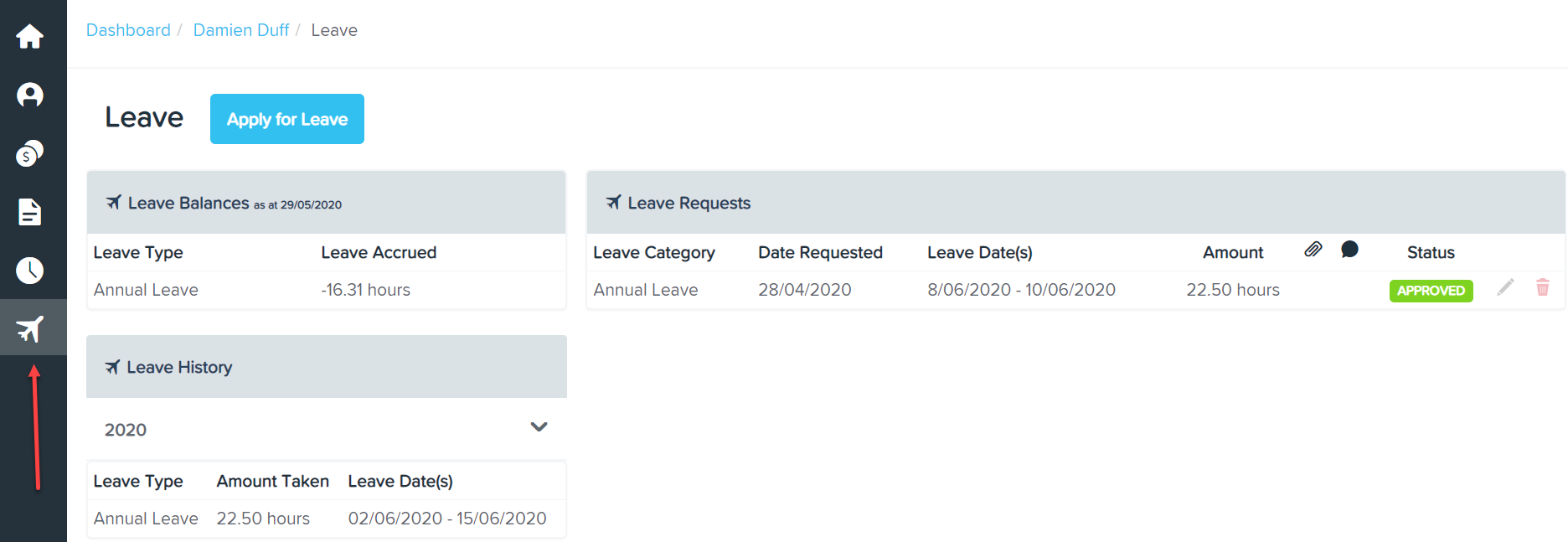
You are able to view your Leave Balances through the Employee Self Service Portal by clicking on the Leave icon on the menu on the left hand side of the screen.
You are able to view your Leave Balances, Leave Requests and Leave History after you apply for leave. For more information on "Applying for Leave", click here.
- Leave Balances - has 2 columns, first one shows leave type and the second one shows leave accrued in hours.
- Leave Requests - Shows leave category, date requested, first and last day of leave, amount, and status.
- Leave History - Leave type, amount taken, from date and to date.